The reader on the portal is not the only path to Sacred Scripture. You can download the Bible as a PDF, read it in a Windows desktop program offline, open it as a mobile app, listen to Bible stories with children, or explore the entire Bible on an interactive map. In this guide, we show where all these tools are and how to use them.
All in one place: the Reading the Bible menu
All these tools are located in the main menu, under the Reading the Bible item. There you will find the liturgical readings with their archive, the Bible reader itself, the PDF Bible, the reader for Windows and mobile, parallel and interlinear reading, the lexicon, the Topical Bible, and Bible Stories.

Bible in PDF
The complete Bible in the Douay Rheims translation, all 73 books, is available in a single PDF file. You can read it in your browser or save it to your computer, phone, or tablet. It is a text-based PDF rather than page scans: the text is searchable, fonts scale without loss of sharpness, and screen readers can read it aloud. Open the Bible in PDF page.
Bible reader for Windows
The Bible reader is a free program for Windows 10 and 11, requiring no registration and containing no ads. It offers Sacred Scripture in ten languages, including Latin, and operates completely offline because all text is included within the software.
- read aloud for chapters, using voices built into Windows
- text search and rapid jumping to book and chapter
- larger font, high contrast, dyslexia font, and increased spacing
- remembers where you left off, and syncs that position with your portal account
Download the Bible reader for Windows.
Bible on mobile
The mobile reader opens in your smartphone browser and functions like a native app. At the top you select the language via a flag, and choose the book from a list opening from below. The Aa button adjusts font size, just like on the portal.

Bible stories
For children and those just discovering the Bible, there are Bible Stories: short, simply narrated episodes, from the creation of the world onward, each with a reference showing where it is found in the Bible. The stories can also be listened to: the play button reads the story aloud, and you can select the voice beneath it. The A minus, A plus, and High contrast buttons customize the text display.

Interactive map of the whole Bible
The map of the whole Bible presents all the books of Sacred Scripture in sequence, from Creation to the New Jerusalem. For each book, it provides a concise summary, its place in the biblical whole, and a button opening it in the reader. It is an ideal starting point for anyone wishing to view the Bible as a single continuous story.

Open the map of the whole Bible.
One Sacred Scripture, many paths
All these tools share the same text and the same goal: keeping Sacred Scripture close at hand wherever you are, at work, while traveling, at church, or at home with children. The other guides in this series illustrate everything the reader can do when opened on the portal: First steps in the Bible reader.
All images in this guide
 1. Reading the Bible menu: reader, PDF Bible, mobile and Windows reader, parallel and interlinear reading, lexicon, and Topical Bible.
 2. Mobile reader: languages at the top and book list expanding from the bottom.
 3. Bible Stories: story list, creation story, and read aloud controls.
 4. Interactive map of the whole Bible, open at the Book of Genesis.
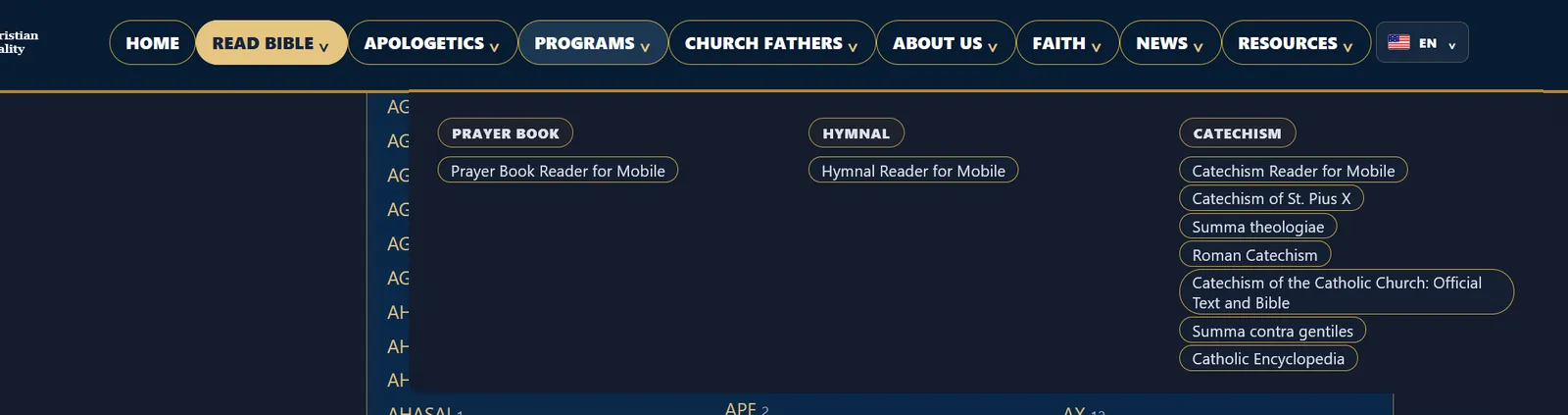
 5. Programs menu: prayer book, hymnal, and mobile catechisms.